HONEYWELL INDUSTRIAL AUTOMATION INTERNSHIP
Vertex™ Legacy Design System
TIMELINE
Jul 2024 - Aug 2024
TEAM
16 Engineers, Lead UX Designer, Product Manager (Honeywell PMC)
ROLE
UX/UI Designer
TOOL
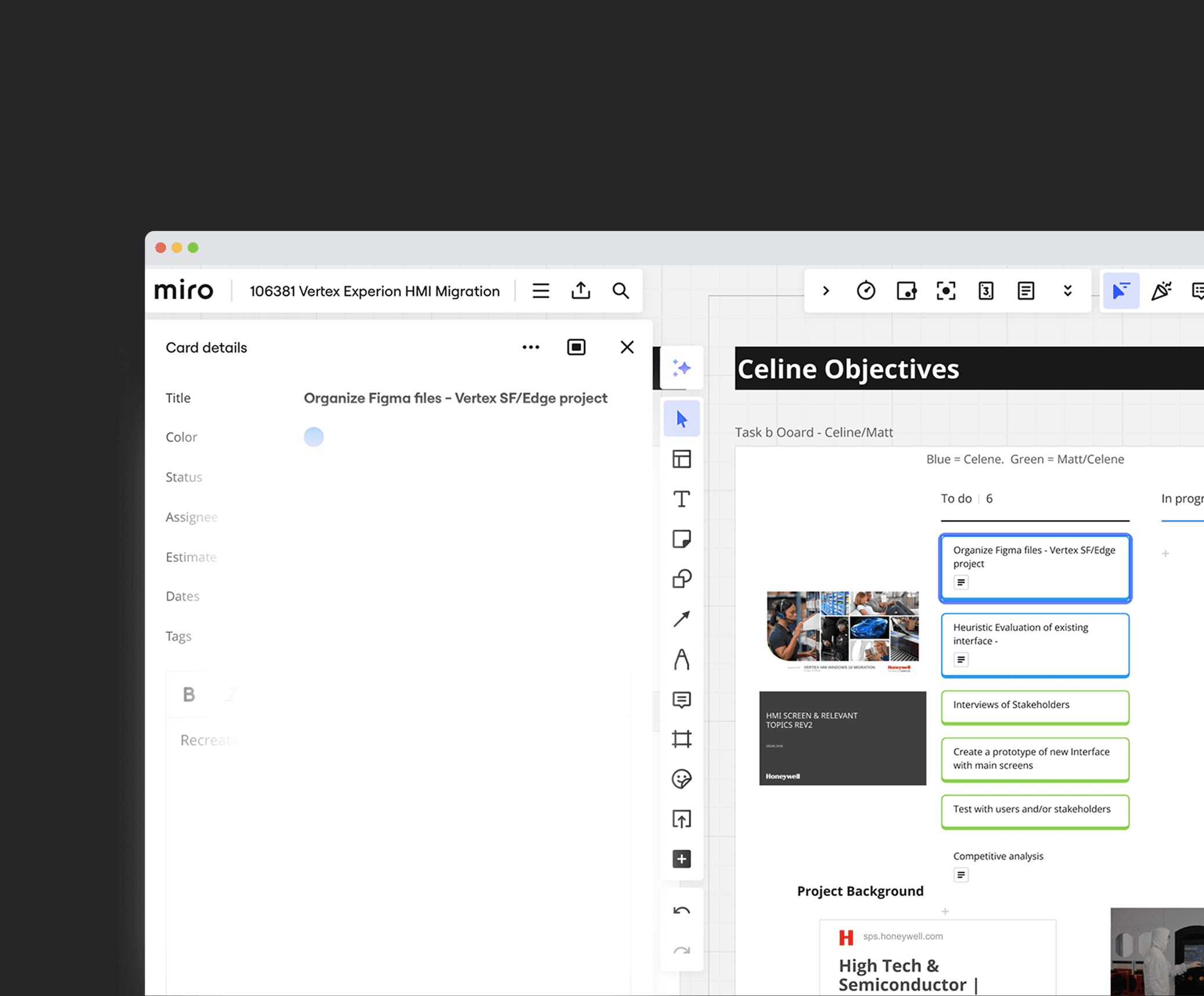
Figma, Miro, Powerpoint,
Confluence
MY ROLE AT A GLANCE
Designing a system for specialized interface
During Summer 2024, I had a chance to work
at Honeywell Industrial Automation org.
I redesigned visual components, and designed 4 main key features of Vertex UI,that used across Vertex product family to improve usability for semiconductor fabrication stakeholders including system owners and engineers.
I lead the UI component Library rebuild to improve collaboration, versioning, and contribution model and revamped the old UI.
A BIT OF CONTEXT
Vertex Legacy HMI
Vertex is a multi-point toxic gas monitoring system used in semiconductor fabrication labs to detect a wide range of hazardous gases for industrial workers' safety. It has three product families, with Vertex Legacy being the oldest.
Vertex Legacy model is still in high demand because of its lower cost and widespread use among existing customers like LG Display and Diodes.
*Vertex Legacy model is still currently under development for model upgrade by 2026.
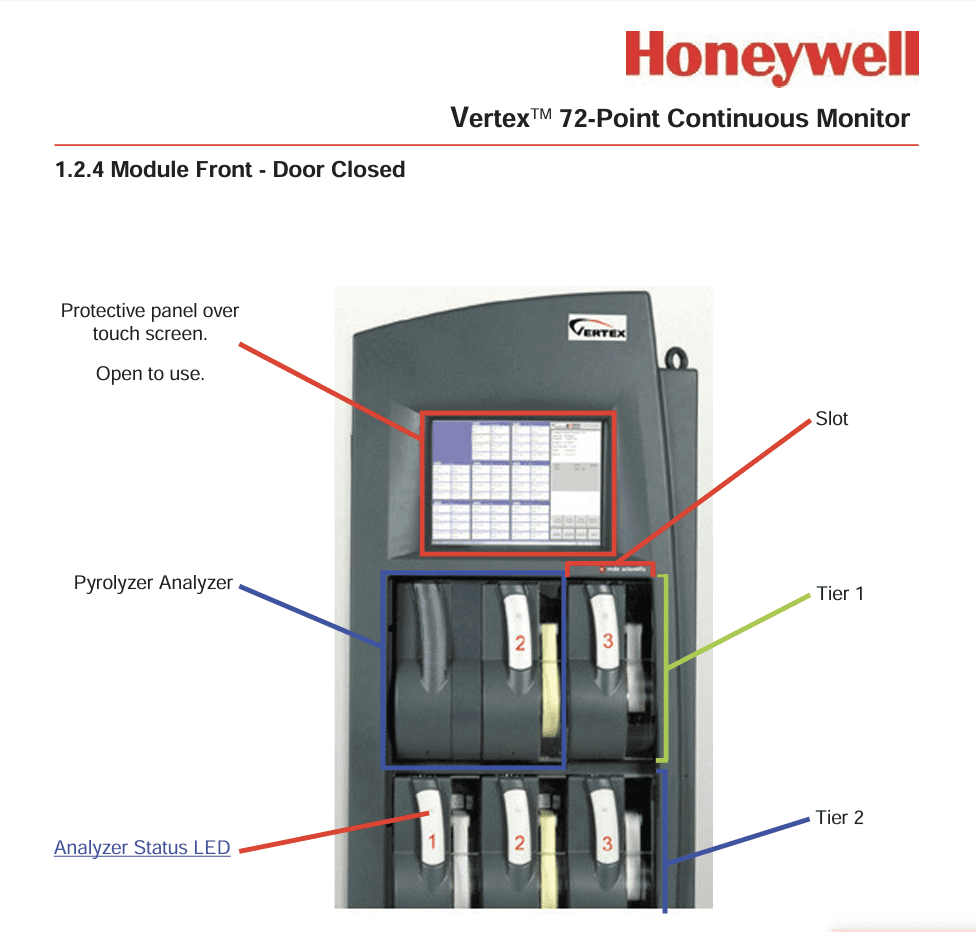
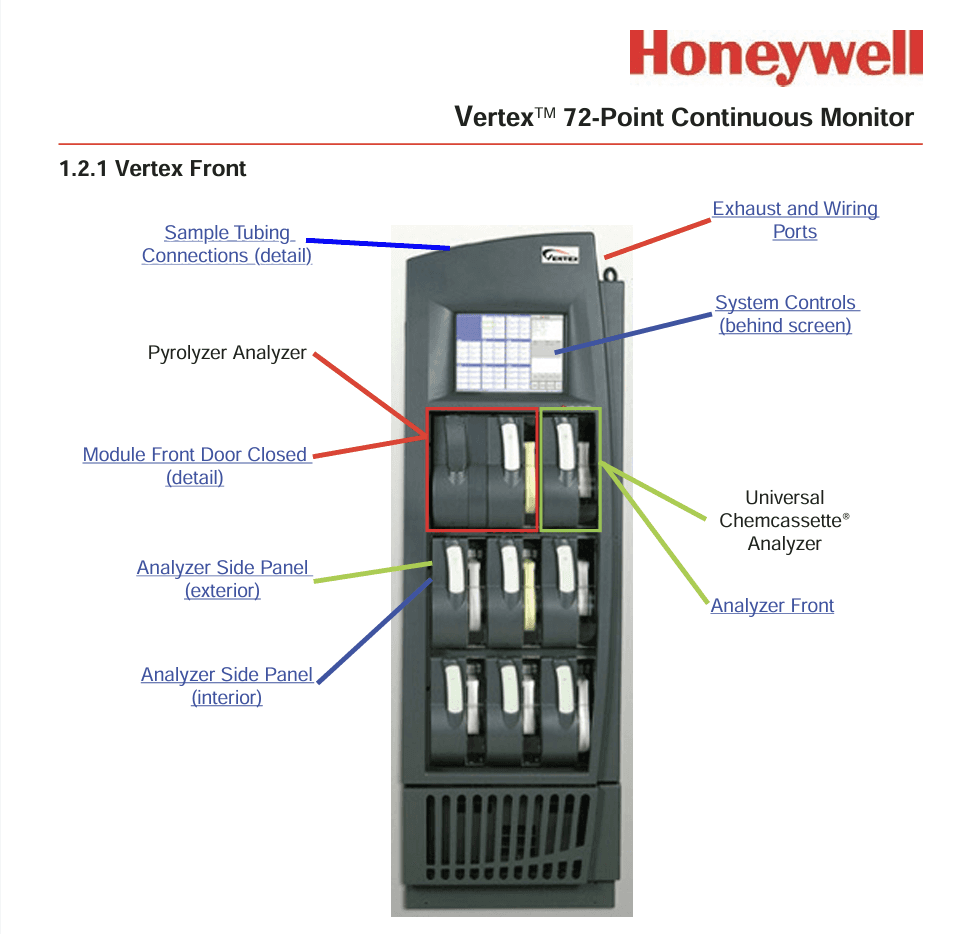
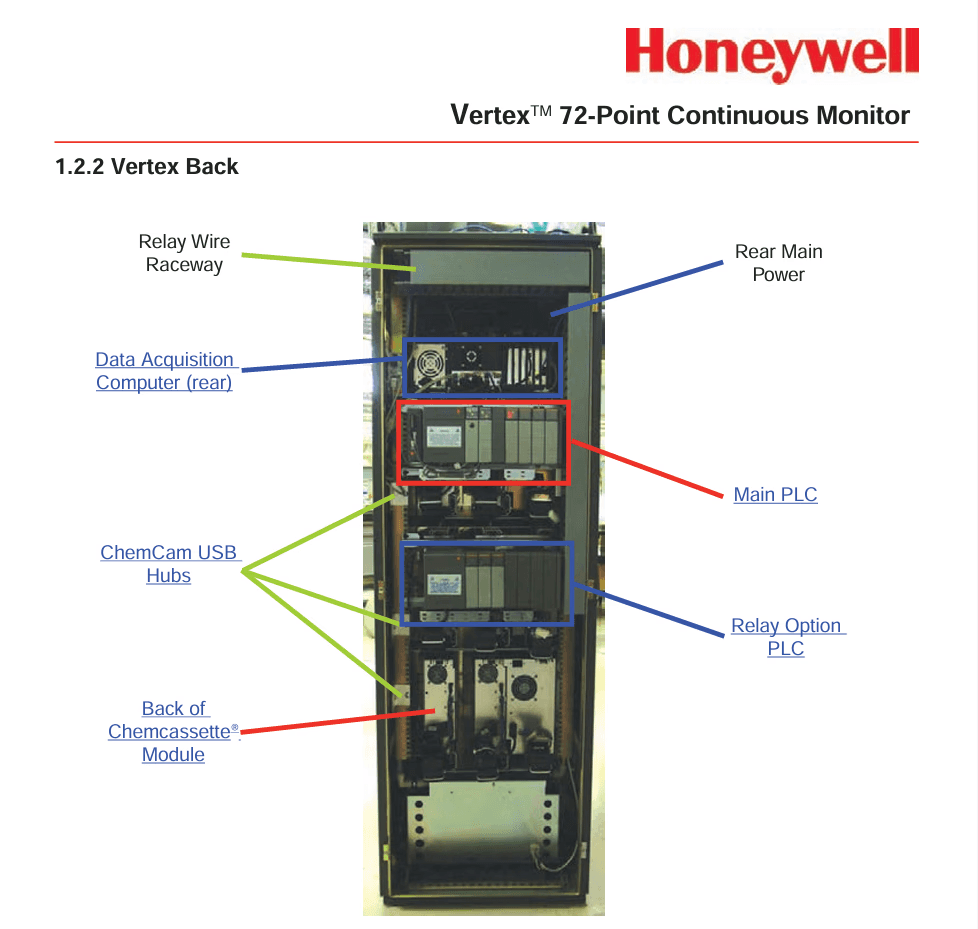
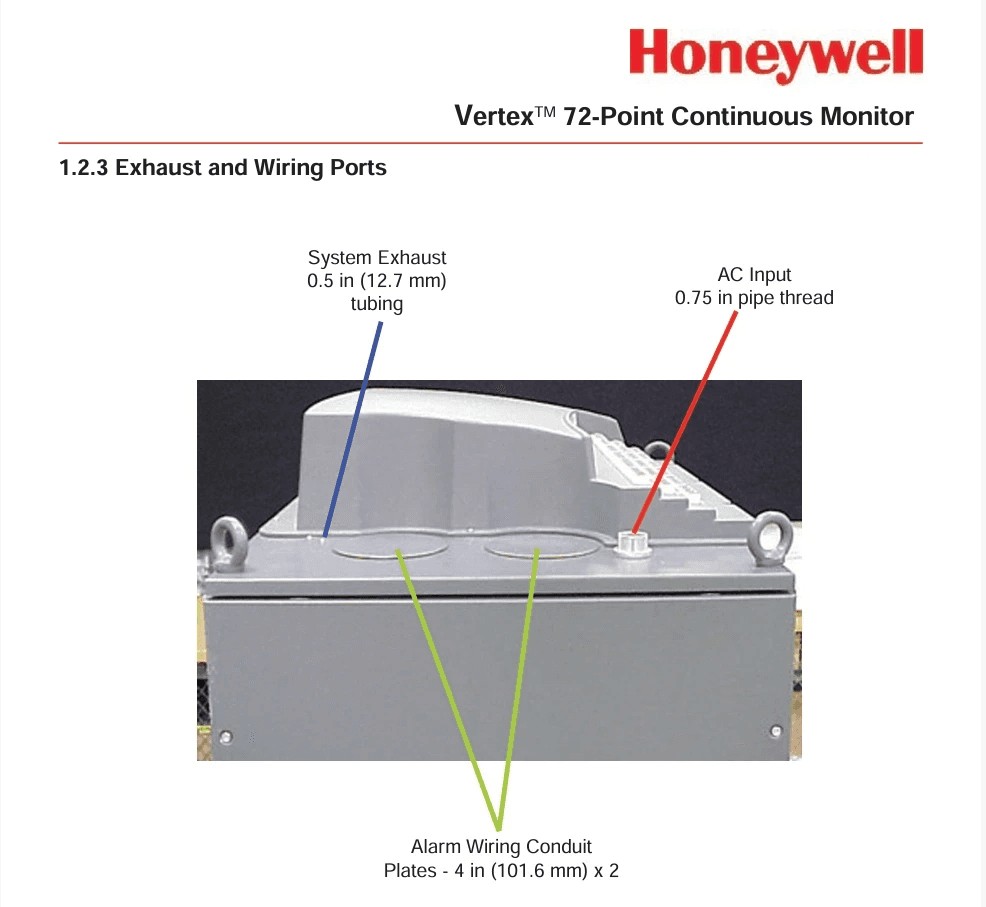
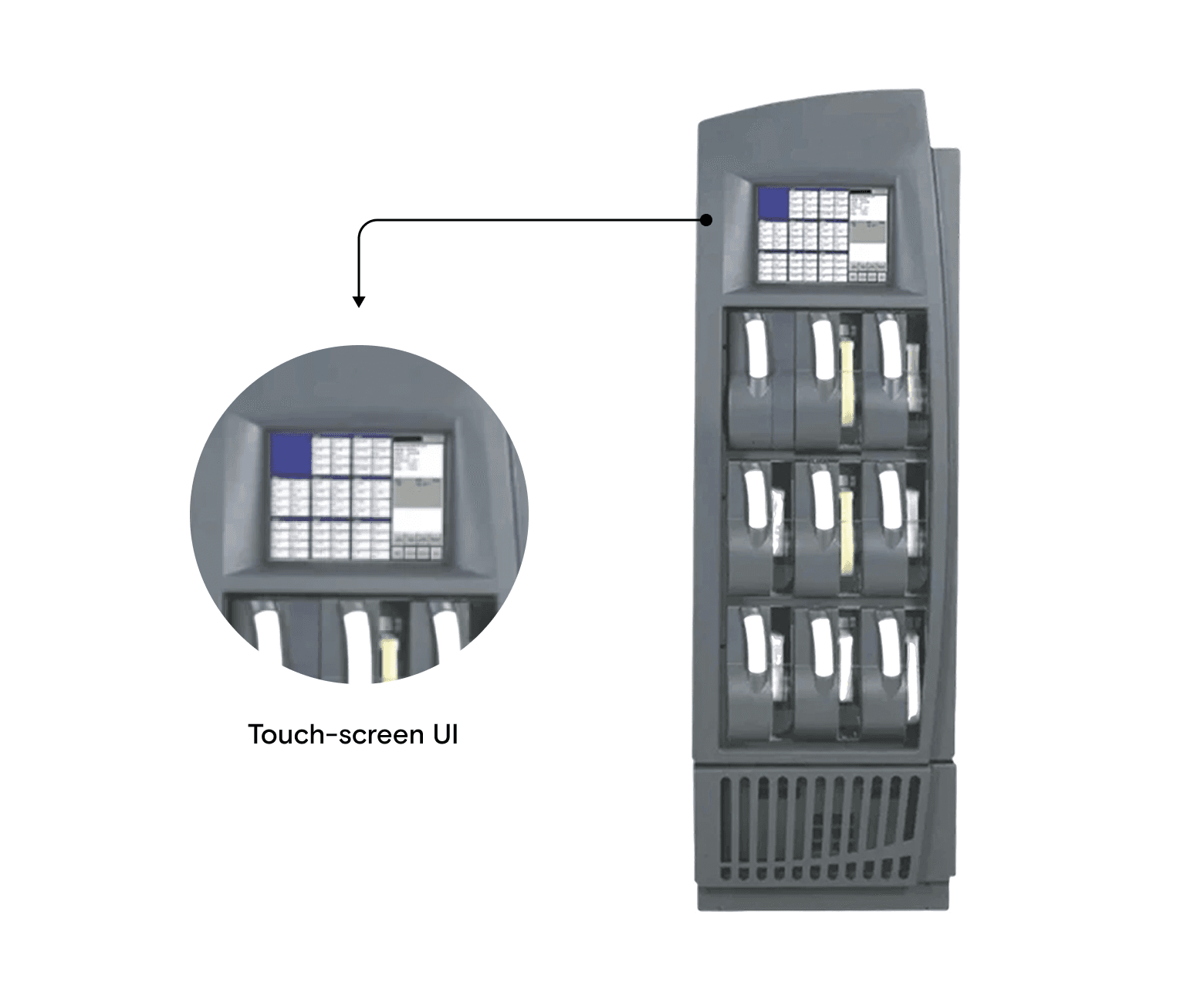
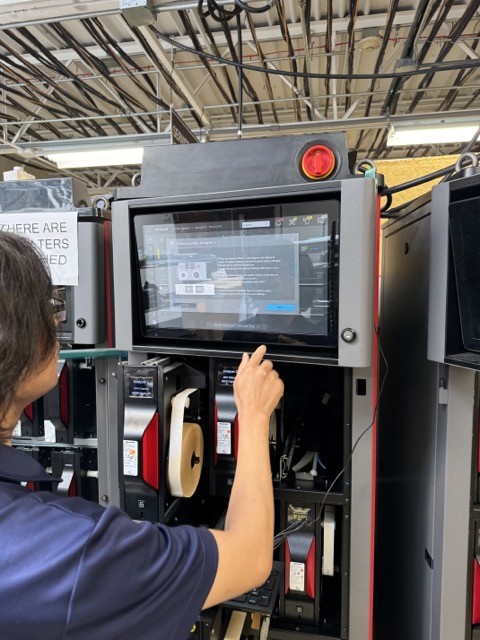
Testing VERTEX Product family UI
High Demand, Outdated UI
Although the Vertex product line received a design update 4 years ago, the Legacy model I worked on had gone over 8 years without any UI improvements.
Through the voice-of-customer interviews, we discovered that the Legacy model’s outdated interface created usability challenges that made daily operations difficult for safety owners.This revealed a strong need to revamp the UI to make the Legacy model more intuitive, efficient, and easier to operate.
THE PROBLEM
The Vertex Legacy UI is outdated and no longer supports efficient daily workflows.
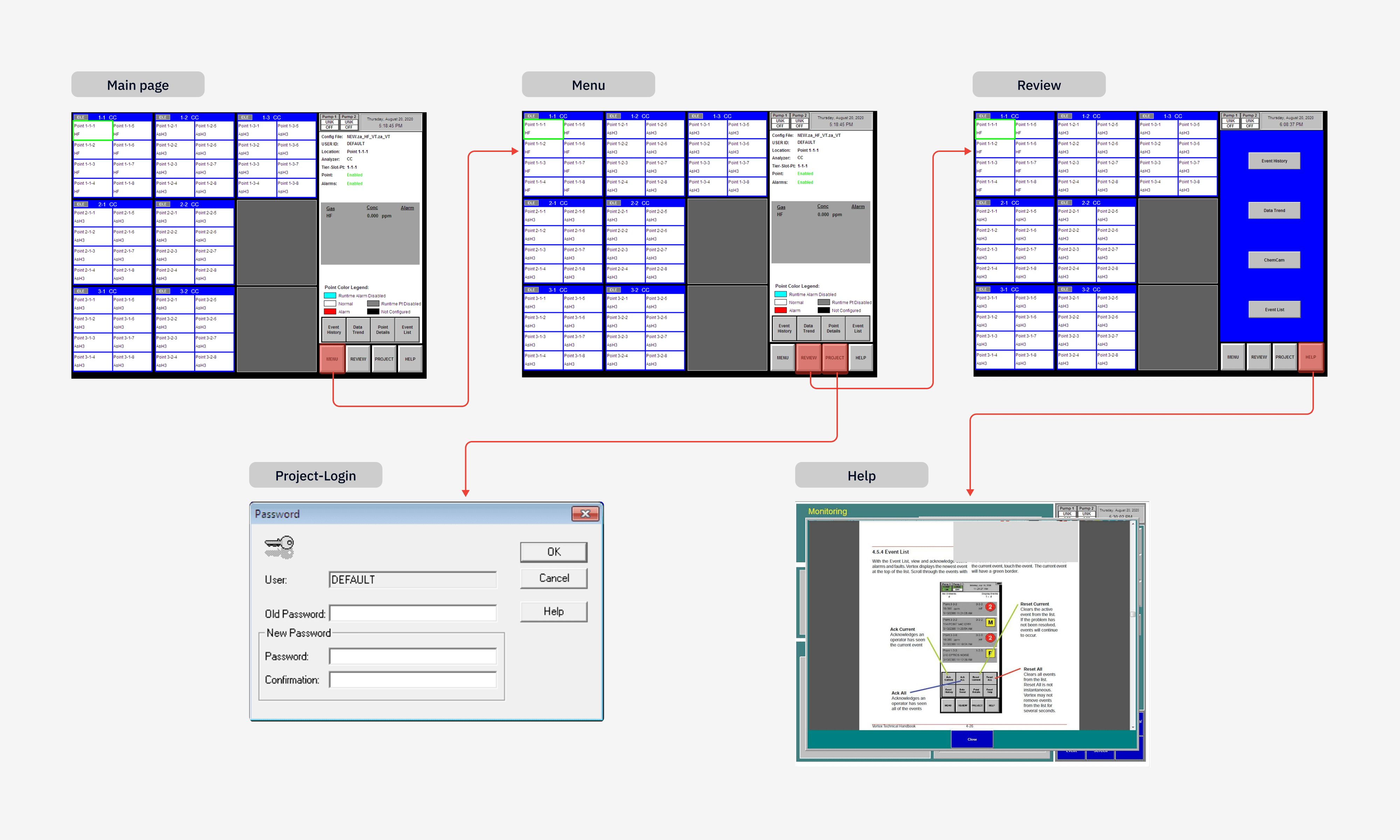
IMAGE. CURRENT USER INTERFACE OF VERTEX LEGACY
KEY CHALLENGE
So, how do we redesign the Legacy interface to reduce operational friction and support safety owners’ daily workflows?
SOLUTION
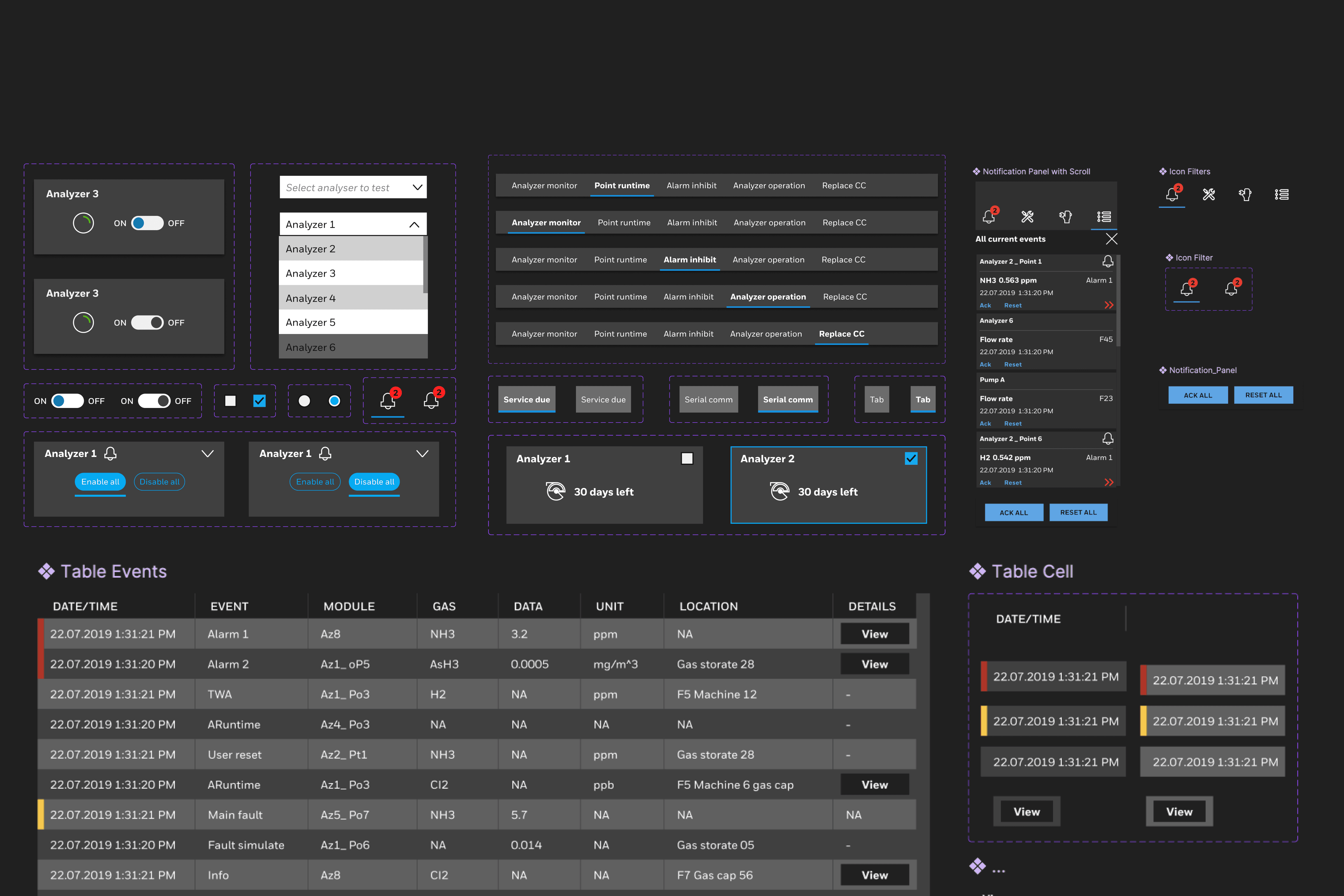
Rebuilding new component library in Figma from scratch
To reduce development time for the Legacy UI revamp, the team decided to use the Vertex product family’s existing UI components. The newer Vertex models had their components originally created in Sketch, but the migration to Figma was never successfully completed, leaving the system fragmented.
So, I began by auditing these Sketch components, and because the partial migration left them inconsistent and non-scalable, I rebuilt the entire component library from scratch to create a clean, structured, and fully consistent design system.
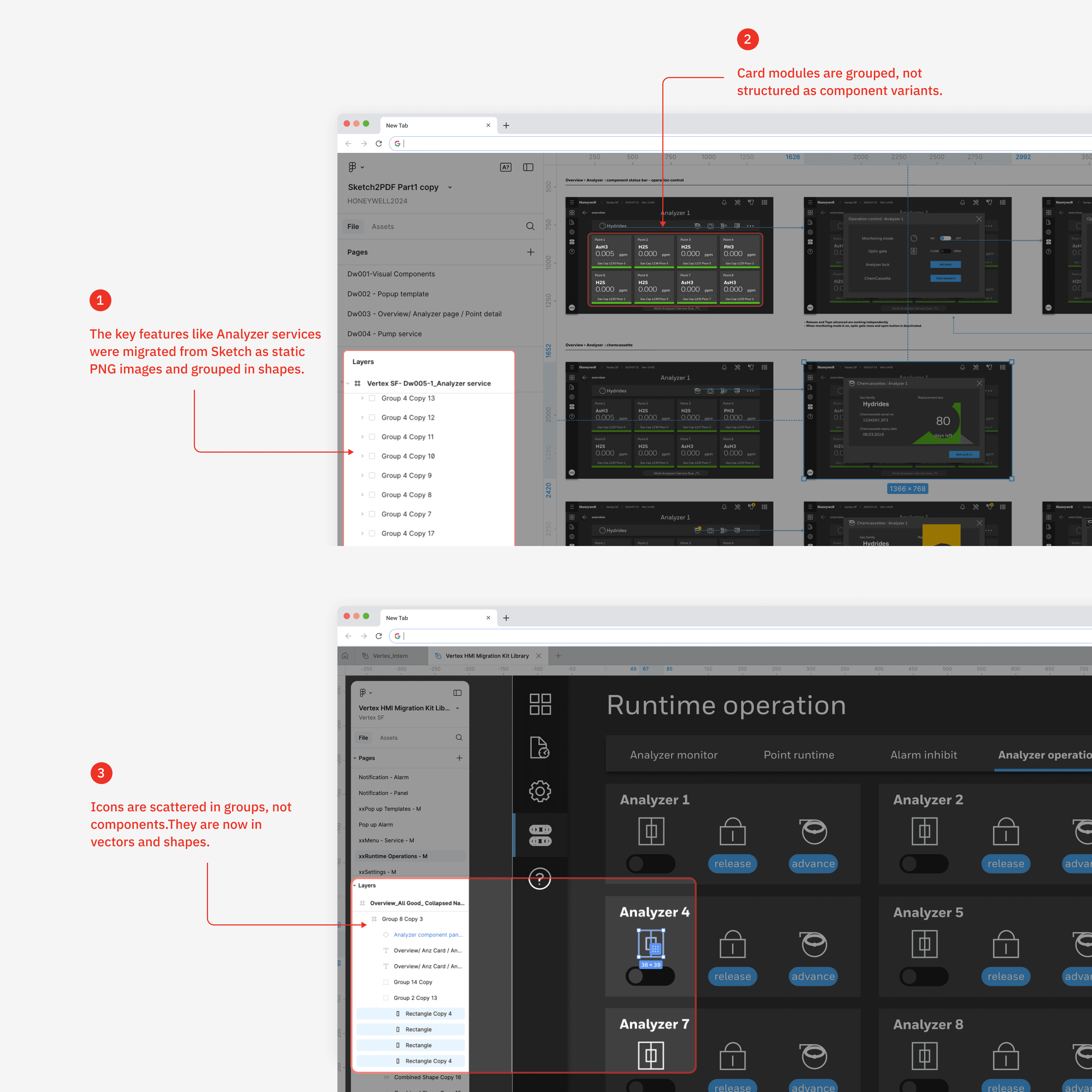
Before
After
DESIGN PROCESS
Adopting Atomic design framework
I adopted Atomic Design principles, which helped me understand and organize components into a structured system. I redesigned each component from scratch, expanding them into a scalable library with goals.
Goals
60 component variations • Responsive auto-layout pattern
Unified tokens and variables (color, spacing, typography, states)
Consistent interaction behaviors
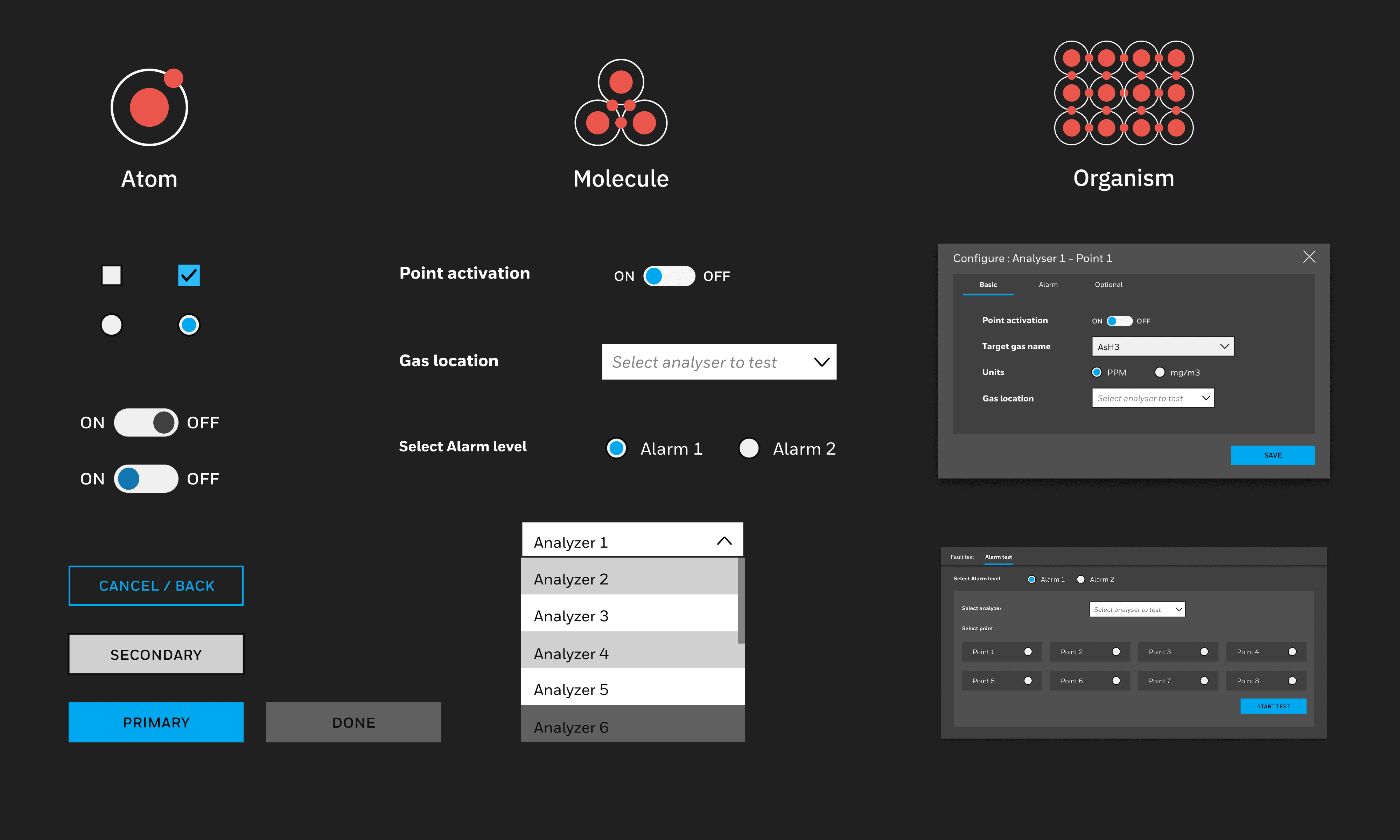
NDA
Due to confidentiality, I cannot share the final design of this project and final design. The visuals here are intentionally blurred to protect proprietary details. If you’re interested in seeing more feel free to reach out!
IMPACT
Reduced development time and lowered cognitive friction.
#1
Delivered 80+ fully rebuilt components, enabling faster handoff and reducing engineering rework across the Legacy UI revamp.
#2